

Specialized DCS Appliance Repair in San Francisco
Mon–Sat: 8:00 AM – 7:00 PM
Cloudy glasses, gritty plates or food left behind? Find out what stops a DCS DishDrawer from cleaning, which checks you can do, and when to book.
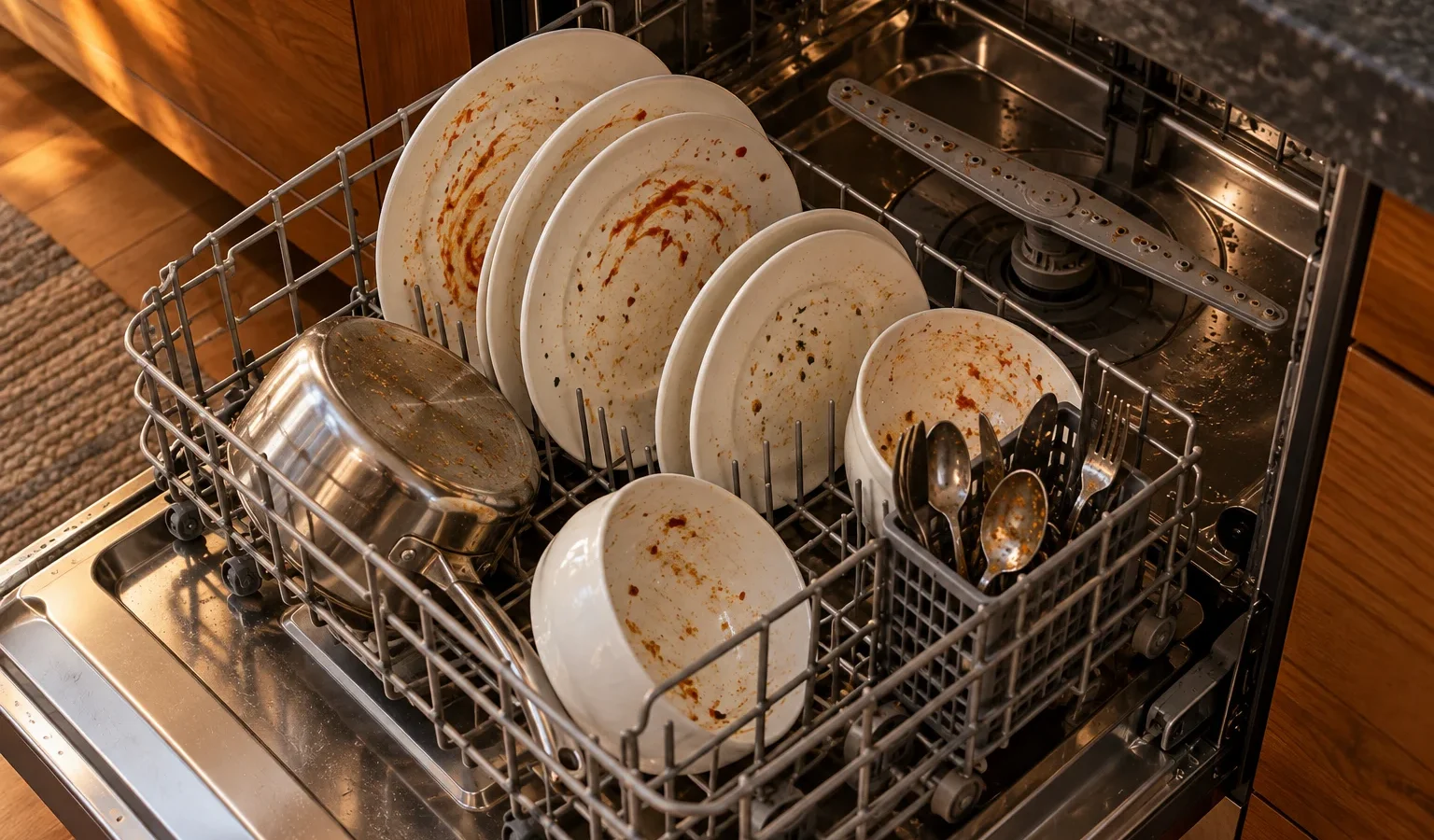
You run a full cycle and open the drawer to find grit on plates, a film on glasses, or tomato sauce that never left. The first reaction is that the dishwasher has failed. In practice, results depend on several things working together: water reaching the right temperature, spray reaching the dishes, filters letting water flow, and detergent doing its job. Check those before you assume the machine is broken.
The DishDrawer sprays from below and around the baskets. Tall items placed against the back, bowls facing up, and plates stacked like a deck of cards all block water. Large platters leaning on the side of the basket also shield other dishes. If one drawer cleans well and the other poorly, compare how they are loaded before suspecting a component.
The filter catches food bits so the pump does not recirculate them. When it is clogged, water flow drops and dirt returns to the dishes. Pull the filter assembly as the care guide shows, rinse it under running water, and refit it so it sits fully. Do not force it.
Old detergent clumps and loses strength, especially in a humid kitchen. Powder left in an open box near the sink is a common offender. Using too little leaves food behind; using too much leaves film. Measure and use fresh product.
If the supply is weak or closed partway, the drawer may fill less than needed. A DCS unit that shows U1, a fill fault, deserves attention; see the U1 page. Temperature trouble can come with F3 or F4, which relate to temperature sensing and the element. Running the kitchen tap until it is hot before starting a cycle helps the machine start well, though it does not fix a failing sensor.
If spray arms are loose, cracked or have blocked nozzles, coverage is poor. A circulation problem in the pump itself is a technician matter. A motor fault would show as F2, described on the F2 page.
Water quality varies across the Bay Area and neighbouring valleys, and mineral content can leave film on glassware. That is not a repair issue, but it explains why the same machine looks different in different households. A rinse aid and a periodic cleaning cycle with an appropriate cleaner help. If a house has a water softener that has run out, results change noticeably.
When the owner checks do not restore cleaning, a technician examines spray pressure, the circulation path, the heating system, sensors, the dispenser and the pump. The model is important because the DishDrawer family has single and double versions plus the older 24-inch dishwasher. We have the DD24DCHTX9 and DD24DCTB9, the DS224 and the DW-24SS in the lineup, and the label is usually on the drawer front edge or inside the frame. Tell us the symptom pattern from the list above and we can prepare.
Run a load of plain, moderately dirty plates, laid out with generous spacing, using fresh detergent and a clean filter. Then mark where residue remains. If the same area comes out dirty every time, that location is not receiving spray, which points to a nozzle, a spray arm or a basket position. If the whole load is gritty, think filter and water flow. If the whole load is greasy, think heat and detergent. A short note with that result gives a technician a head start and often saves a second visit.
Book when you have corrected loading, cleaned the filter, refreshed detergent and still see poor results, or when a code appears. We diagnose first, give a written estimate and wait for your approval before any repair. Read about our work on DCS dishwasher repair and see DCS dishwasher drawers for the lineup. If the issue is at the other end of the cycle, a dishwasher that will not drain is a related symptom.
Scrape off large pieces, but a heavy pre-rinse can leave the detergent with nothing to work on. Modern cycles expect some soil.
Usually water minerals or a low rinse aid. It is often not a sign of a failing machine.
Check it regularly, more often if you cook heavily or wash plates with a lot of food residue.
Possibly, but compare loading first. If the problem follows the drawer after identical loads, book a visit.
Fill, temperature and motor codes all can. Write the code down and give it to us when you book.
Share a few details and we’ll confirm an appointment. Prefer to talk? Call us and we’ll help right away.