

Specialized DCS Appliance Repair in San Francisco
Mon–Sat: 8:00 AM – 7:00 PM
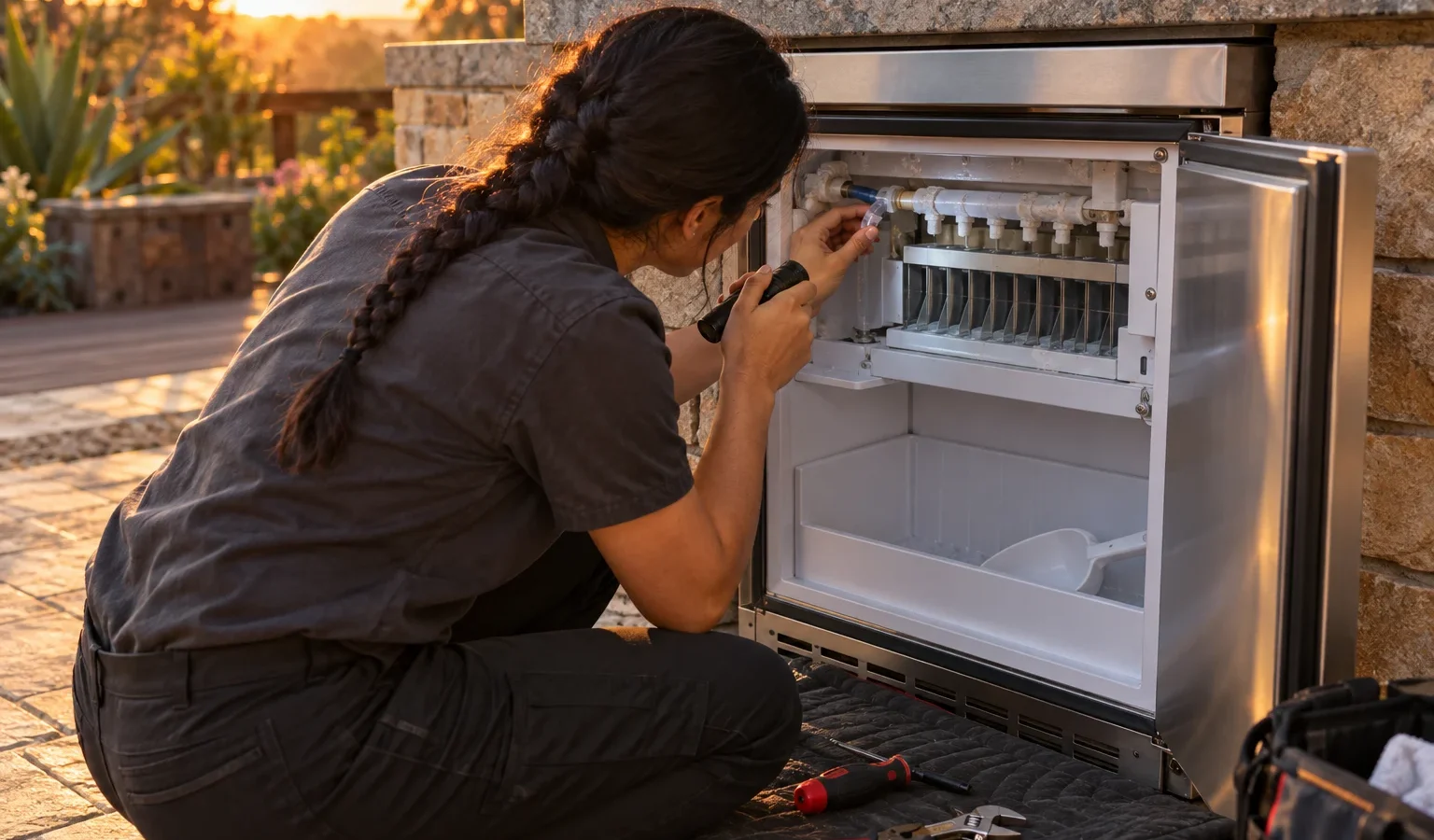
An outdoor ice maker can fail in several ways: dead controls, flashing lights, leaks or loud noise. Start by describing what it actually does, then work through these checks.
Owners tell us the ice maker “stopped working”, and the phrase hides very different faults. A unit with a dark panel has a power problem. A unit with flashing lights is reporting something. A unit that makes ice but leaks has a drain or door problem. A unit that makes noise has a mechanical issue. Spending a minute to decide which of these fits your machine will save you from changing the wrong thing.
Start outside. Outdoor ice makers are normally on a protected circuit with a GFCI outlet, and rain, fog or a sprinkler spray can trip it. Press the reset on the outlet and check the breaker in the main panel. If a power cord has been pinched behind the cabinet or the plug is only half in, the machine will appear dead. If power is fine and the panel is still dark, the control board or its supply is the suspect, which calls for a technician.
For the RF15I family, a flashing panel has meanings you can rely on. All indicators flashing means the main board has lost communication with the user interface. ICE flashing without an alarm means the condenser temperature sensor has failed, and the unit keeps running without adapting to ambient conditions. OFF flashing once a second without an alarm means the bin sensor has failed and the unit sits in an off state. Read more on each page: all indicators flashing, ICE flashing, OFF flashing. Please do not guess at any other code; if the pattern is different, tell us exactly what you saw.
Thin, small or soft ice often means the water supply is limited or the unit is struggling with the surrounding temperature. Cloudy ice or an odd taste can come from a filter that needs attention or a machine that has not been cleaned in a while. A strong smell of chemicals or a burning scent means switch it off. If the ice only seems bad after a heat wave, the machine may be fighting the climate of its enclosure.
Leaks come from a few places. A door that is not closing fully lets warm air in, which makes condensation. A blocked or poorly routed drain line sends melt water into the cabinet instead of away. A supply line connection that has loosened can drip steadily. Look for the wet spot, dry it, and note where the water seems to start. Do not tighten fittings inside the cabinet; leave connections to a technician so that nothing is overtightened or cross-threaded.
A buzz, rattle or grinding noise has several sources. A fan blade touching debris, a loose panel or mounting, ice jammed in the bin, or a motor in trouble will all make sound. Check that the machine is level and that the grille is not humming against the cabinet. If the sound is new and harsh, switch the machine off and avoid running it until it has been looked at.
An undercounter or island-mounted ice maker needs room around it to breathe. A snug cabinet with no ventilation, a sun-baked deck, or a unit that has been moved without leveling can all produce failures that mimic a bad part. The drain also needs to flow away freely, and the water line has to deliver a steady supply. If your installation was done years ago or has been changed since, mention it when you call.
Never open the back or lower panels to look at the cooling circuit, never use sharp tools around the evaporator, and do not bypass the bin sensor or any switch. If the machine has been underwater, flooded or exposed to a storm surge, leave it unplugged. Keep an eye on the surroundings if you see sparks or smell electrical heat; shut the power at the breaker and call us.
The prefix and ending of the model tell us the size and hinge side of the machine, which in turn tells us what to bring. A left- or right-hinged unit may use different door parts. Photograph the label inside the cabinet or door frame before you call.
If power and water look fine and the machine still does not respond, book a diagnosis with our DCS ice maker repair service. We confirm the fault before recommending anything, then provide a written estimate, and no work begins without your approval. For context on the range, see DCS ice makers, or look at the entry for the DCS RF15I, a model that is no longer sold new. If your machine is running but yielding nothing, the companion article on a DCS ice machine not making ice may fit better.
Power at the panel does not mean the machine is cycling. Water supply, a sensor, the bin level or the cooling side may be preventing a cycle. Look at the lights and listen for fill sounds.
On the RF15I family it points to a bin temperature sensor failure, with the unit going to an off state and no audible alarm. A technician can confirm and replace the sensor.
One controlled power reset is fine: switch the unit off, wait a short time, and switch it on. If the same lights return, repeated resets will not help.
The usual suspects are a door that does not seal, a drain line that is blocked or misrouted, and a loose supply connection. Dry the area and note where the water begins.
Clear the front grille and remove the ice already in the bin if it is easy to do. Leave inner panels and sealed parts untouched so the technician sees the true condition.
Share a few details and we’ll confirm an appointment. Prefer to talk? Call us and we’ll help right away.