

Specialized DCS Appliance Repair in San Francisco
Mon–Sat: 8:00 AM – 7:00 PM
Wall oven codes such as A1, A2, A3 and F plus a number tell a technician where to start. Here is what each means and which steps are safe for owners.
When a wall oven stops mid-bake and shows a code, it is telling you the control board noticed something outside its normal range. A fault code is not a verdict that the oven is finished; it is a starting point. The same code can come from a minor event, like a latch that did not engage, or from a part that needs replacing. How you respond in the first few minutes helps the technician later.
Take a photo of the display, or write down the exact characters: the letter, the number, and whether the oven beeped. Note what the oven was doing when the code appeared, such as baking, preheating, running a Self Clean cycle, or sitting idle. Also note whether the code clears when you press the cancel key or switch the oven off.
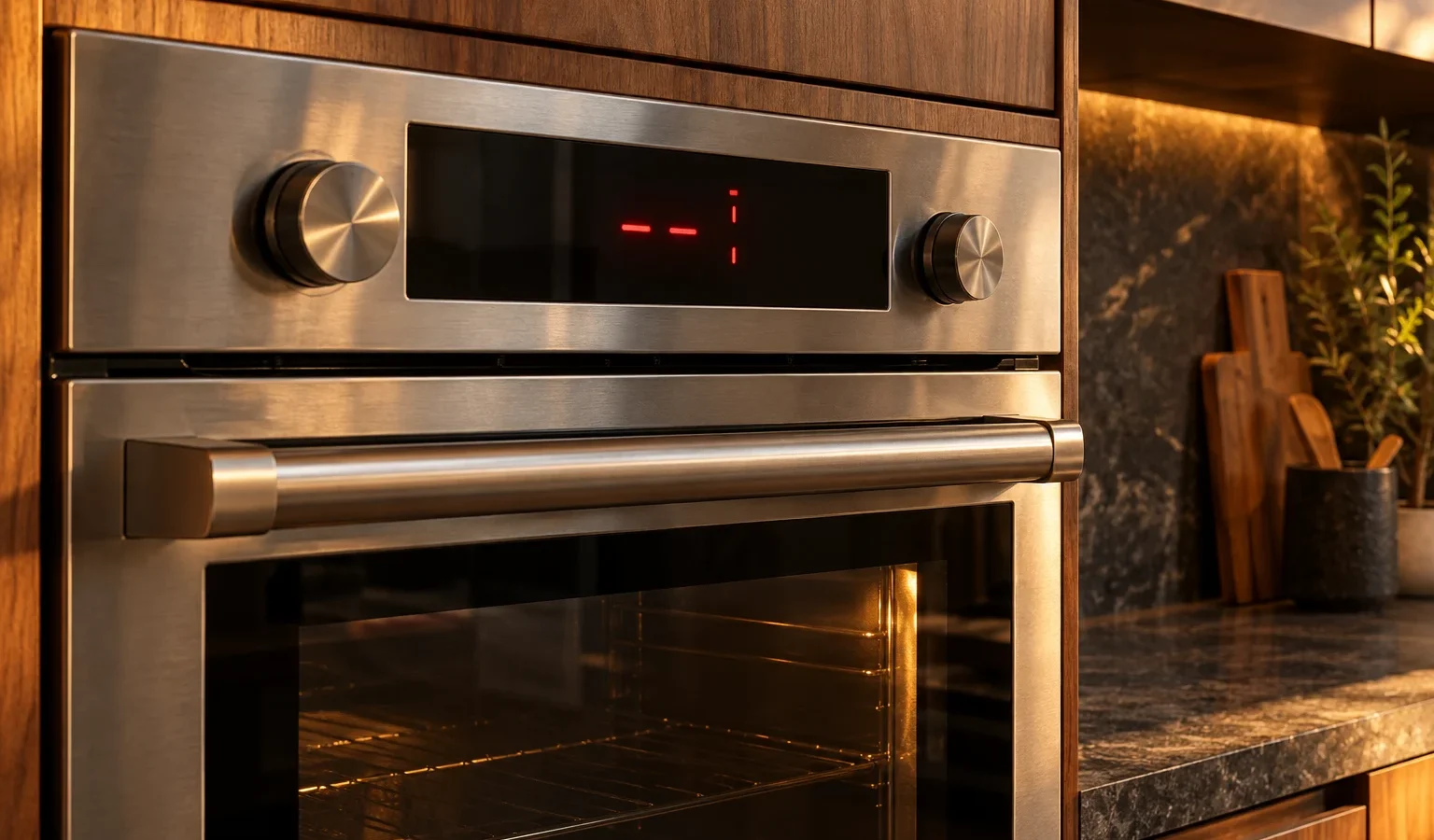
These meanings apply to the same wall oven generation as the WODV230, and F codes also appear on newer models, where the number is shown in the clock display.
Switch the oven off and leave the door closed so heat does not spread into the cabinet. Let it cool completely. Check that the cooling vents around the oven are not covered, and that nothing is stored on top or in the cut-out that blocks airflow. Once it is cool, you can restore power once and see whether the code returns. If it does, do not keep running the oven.
These come up during or after a Self Clean cycle. Confirm that the door is completely closed, that nothing, such as an oven mitt or a rack, sits in the opening, and that the latch area is clean. Let the oven cool before you try to open it. A latch that stays locked is a motor or switch problem and should be left for a technician; do not force the door.
Write down the number, switch the oven off at the control or breaker, wait briefly, and restore once. If the code reappears, stop using that oven. An F code can involve the control board, a sensor, or a relay, and it is not something to be chased by trial and error.
Do not open the oven body, pull the oven from its cabinet, or disconnect wiring. Do not bypass the door lock with tape or a tool, and do not run the cleaning cycle repeatedly hoping it will clear. Never test live circuits. If you smell burning or see smoke, switch off at the breaker and keep the door closed.
Code meanings vary by series. A professional wall oven such as the WODV230 or the single WODU30 have different generations of controls, and discontinued ones like the WO-127SS follow older logic. The label is usually on the oven frame, visible when the door is open. Our DCS wall oven guide shows the series.
The technician reads the code history, checks cooling airflow, tests the latch motor and switch where relevant, and checks sensors and the control. You receive a written estimate after the diagnosis, and nothing is repaired without your approval. Details are on the DCS wall oven repair page. If the oven runs but does not heat, see oven not heating.
Give the exact code, the model number from the oven frame, and a short description of what the oven was doing. Mention whether the problem happened once or keeps returning, and whether any other appliance on the same circuit misbehaved. If the code appeared during Self Clean, say so, since door lock faults are tied to that cycle. A photo of the display saves time and avoids confusion between similar-looking characters.
Wall ovens sit in cut-outs sized to them, with a gap for airflow at the sides and back. Insulation stuffed into that space, a shelf added above, or a decorative panel in front of the vents can trap heat and trigger overheating faults. Keep the cut-out as it was built, and tell the technician about any changes made since installation.
Keep the door gasket clean, avoid running Self Clean with heavy spills inside, and wipe the latch area when the oven is cool. Do not hang towels from the handle, since they can hold the door slightly open. If the oven overheated once, think about what changed: a new rack position, a covered vent or a blocked cut-out can be the trigger.
The oven has overheated. It suspends its functions and beeps five times. Let it cool and check that the vents are clear.
No. Forcing the door can damage the latch. Let the oven cool, try one reset, and call if it stays locked.
It signals a technical fault. The individual numbers are not defined publicly, so a technician reads the number on site.
If the code returned after one reset, stop using it until it is checked. A fault that repeats can damage other parts.
Usually on the oven frame, visible with the door open. Photograph it when you book.
Share a few details and we’ll confirm an appointment. Prefer to talk? Call us and we’ll help right away.