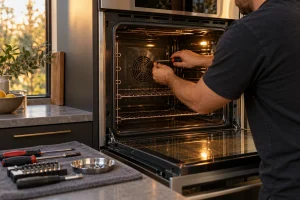
DCS Wall Oven Repair in the Bay Area
Oven not heating, temperature off, door locked after self-clean or a code on the display? We repair DCS single and double wall…

Specialized DCS Appliance Repair in San Francisco
Mon–Sat: 8:00 AM – 7:00 PM
Single or double, a DCS wall oven that stops heating or locks its door needs a calm first look; here is how to read the signs.
A wall oven sits at eye level inside cabinetry, so it gets used hard and its faults are hard to ignore: food that cooks unevenly, a door that will not unlatch after a cleaning cycle, a display that shows a letter and number you have never seen. This overview is for owners of DCS wall ovens in San Francisco and the surrounding Bay Area, and it sits beside our DCS wall oven repair service page.
DCS wall ovens are built as single or double units. In our model library the WODU30, WODV30 and WODV230 sit in the Professional (V/U) group; WODV230 is the double-oven version by its name, since the 2 shows up between the series letters and the width. The WO-127SS, WOS-127 and WOT-127 are Professional WO, WOS and WOT models that are no longer sold new. Any WO model number marks a wall oven, and we treat each as its own platform because controls differ between generations.
The label is usually on the oven frame, visible when the door is fully open, along the side or top edge of the opening. If the oven is a double, the label may be near the upper cavity. Do not remove trim or slide the oven out of the cabinet to hunt for it. When the sticker is unreadable, a photo of the control panel and door gives us a decent starting point, and our article on finding a DCS model number lists other places to look.
These meanings are the ones we have verified:
The longer discussion is in what to do with a DCS wall oven fault code.
Confirm the oven has power by looking at the breaker for its circuit. Make sure the door closes completely and that nothing, such as a dish towel or a pan handle, keeps it from latching. Wipe the door gasket and look for obvious tears. Take racks and foil out of the cavity floor if they could be touching the interior. After an A1 overheating message, let the oven cool with the door closed, note the code, and avoid repeated restarts. A single controlled power reset at the breaker is acceptable once the oven has cooled.
Never open the back or side panels, bridge a door switch or defeat a lock. If the door will not unlock, do not pry it.
Wall ovens depend on the cabinet around them. A tight cut-out, a blocked vent opening or a stacked microwave above can trap heat and produce overheating messages that look like control faults. We check the installation when a symptom does not fit the oven alone.
Start with the code or symptom, add the model number, and use our contact page to request a visit. We diagnose first, give a written estimate, and repair nothing without your approval. The DCS WODV30 repair and DCS WO-127SS repair pages are good starting points for those specific ovens.
A1 means the oven has overheated. It suspends its functions and beeps five times. Let it cool, write the code down and ask for a diagnosis rather than restarting it again and again.
That matches the A3 door lock error, where the door cannot be unlocked after the cycle has finished. Let the oven cool, make sure nothing blocks the door, do not force it, and book a visit.
It is a technical fault shown as the letter F followed by a number. On S5 models it appears in the clock display. The individual numbers are not defined in the guides, so we diagnose from the oven itself.
They are no longer sold new. We can still diagnose and repair them from the model number.
Not if the fault involves overheating, a smell of burning or a door that will not lock. Switch the oven off at the breaker and request a diagnosis.
Oven not heating, temperature off, door locked after self-clean or a code on the display? We repair DCS single and double wall…
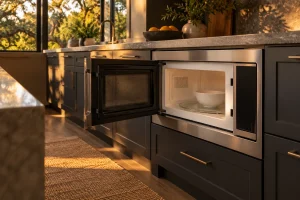
Guide to DCS built-in and convection microwaves in the Bay Area: the CMO24SS and CMOH-30SS, no-heat and sensor complaints, safe checks and…
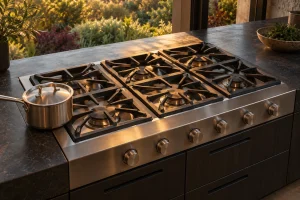
Guide to DCS gas cooktops and rangetops in the Bay Area: the CT, CDU, CDV2 and CP models, common burner complaints, safe…
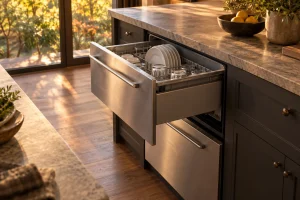
Guide to DCS DishDrawer dishwashers in the Bay Area: single and double drawer models, F and U codes, leaks, draining trouble and…
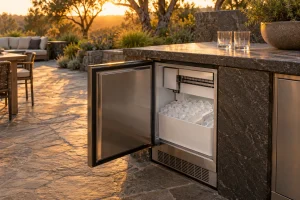
DCS outdoor ice makers in the RF15I family: how left- and right-hinge versions differ, what flashing indicators mean and which checks are…
Share a few details and we’ll confirm an appointment. Prefer to talk? Call us and we’ll help right away.