

Specialized DCS Appliance Repair in San Francisco
Mon–Sat: 8:00 AM – 7:00 PM
A warming drawer that stays cool usually has a power, control or element problem. See which checks you can do safely and when a technician should take over.
A warming drawer does a quiet job: it holds plates and cooked food at a gentle temperature while the rest of the meal comes together. When it stops, you notice at the worst time, usually at dinner with a table waiting. The causes range from a switch left in the wrong position to a failed heating element.
Inside the cabinet, a heating element warms the drawer cavity, a control sets the temperature level, and a sensor tells the control when to cycle. A switch confirms the drawer is shut. Some drawers also have a fan that moves air around. If any of these is not doing its job, the drawer stays cool or only warms weakly.
If the control shows nothing, one controlled reset at the breaker is acceptable. After that, stop.
Do not line the drawer floor with foil, because it can block airflow and mark the element area. Do not slide the whole drawer out of its cabinet to look at wiring, and do not test the element with a meter. Never use the drawer as storage for plastic items or paper, and do not try to heat food with the cabinet door held open. If you smell burning plastic or see smoke, switch the circuit off.
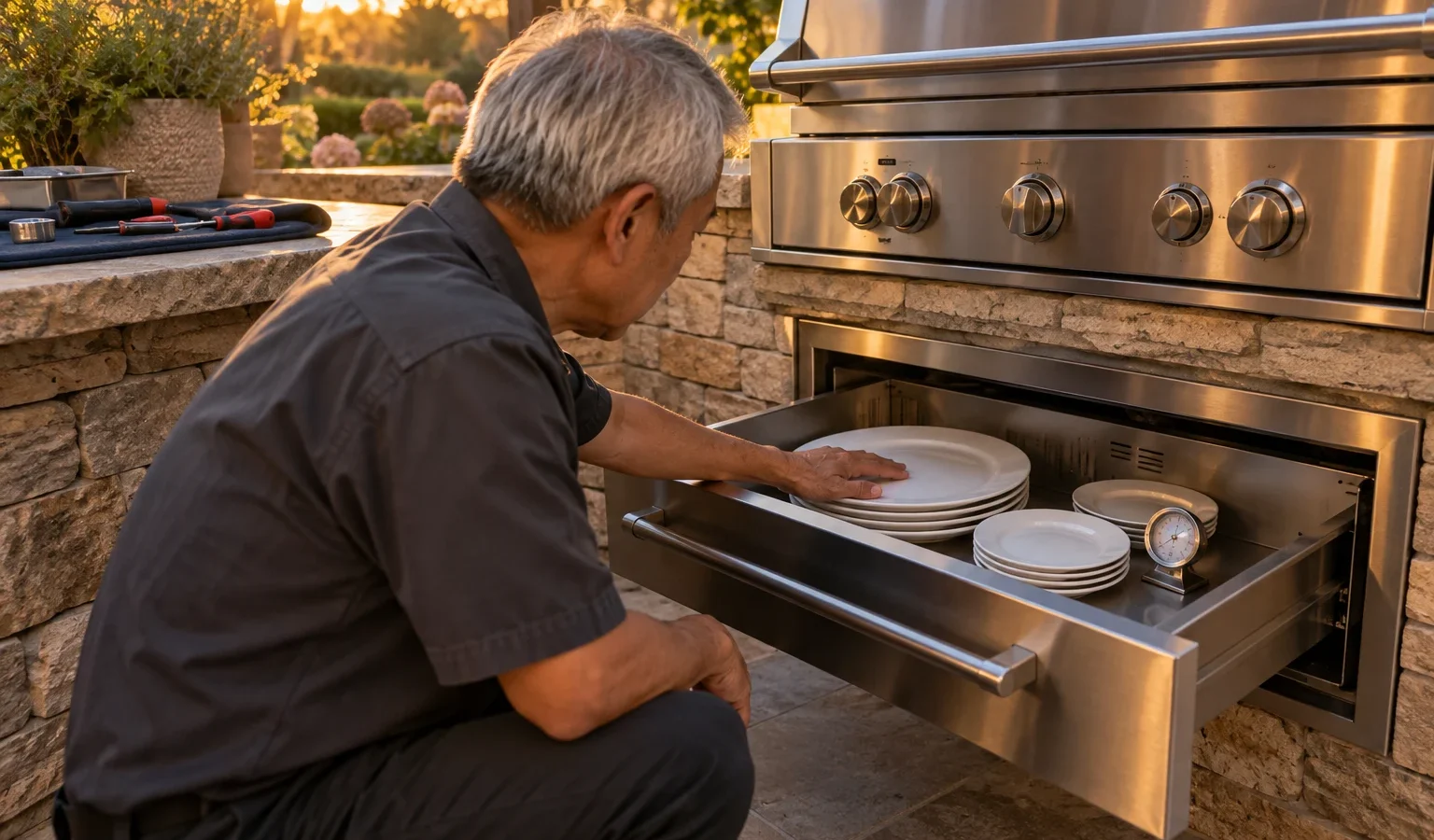
An outdoor warming drawer lives in an island that sees damp mornings and salty air. Moisture works its way into connectors, which can cause intermittent heating. A tight cabinet cut-out affects the drawer’s ability to vent heat, and a drawer installed next to a hot grill can trip its safety limit. Indoors, a drawer built below a wall oven shares heat with it, so cabinet ventilation is important in both cases.
Warming drawers vary by width and generation. The outdoor WD1-30-SSOD and the 27-inch WD-27-SS-OD have distinct hardware, and the professional WDVI30 is different again. The label is usually behind the drawer front, visible when you pull the drawer out fully. Our DCS warming drawer guide explains the lineup.
The technician checks the supply, tests the control, reads the sensor and examines the element and closing switch. The drawer slides are checked for alignment. A written estimate follows the diagnosis, and nothing is repaired until you approve it. The DCS warming drawer repair page covers how this works.
Stop if the drawer smells of burning, if the control flickers, or if the front of the drawer gets hot beyond what you expect. Do not hold food at a questionable temperature for long; food that is lukewarm for a long time is not safe to serve. If the rest of your kitchen has trouble too, our article on an oven not heating may help you spot a shared circuit issue.
A warming drawer is meant to hold food, not cook it. Cover dishes loosely, avoid stacking tall containers that touch the top, and preheat the drawer before the meal. Keep the slides clean so the drawer closes fully every time, because a drawer left a little open will not warm properly.
Mention how long the problem has existed, whether the drawer ever worked, what temperature level you use, and whether the front gets warm. Tell us if you recently moved the drawer, remodeled the cabinet or tripped a breaker. Those details narrow the search before anyone arrives.
If the breaker trips whenever the drawer is switched on, if the control lights flicker, or if you notice a warm smell from the cabinet below, stop using the drawer and turn the circuit off. These point to wiring or a shorted element, which should never be probed by an owner. Report them clearly when you book so the visit is planned accordingly.
Note also whether a neighboring appliance, such as an oven above, shares the same circuit.
Wipe the interior once the drawer is cool, keep the vent clear, and leave the drawer slightly open for a short time after cleaning so moisture escapes. Outdoors, a cover over the island top shields the drawer front from rain. Avoid slamming the drawer, which can knock the closing switch out of position.
The control has power but the element, sensor or relay is not delivering heat. That needs a technician.
It is designed to warm gently, so allow a good while. If it stays cool after an extended wait, treat it as a fault.
Yes. Foil on the floor or over vents can block airflow and confuse the sensor. Remove them and retest.
They are more exposed to moisture and salt air, so connectors and the GFCI outlet deserve attention.
For light use, yes, but do not rely on it to hold food at a safe temperature until it is checked.
Share a few details and we’ll confirm an appointment. Prefer to talk? Call us and we’ll help right away.